quel est le meilleur diagnostic auto pour votre véhicule en 2026
Understanding the Best Car Diagnosis Tools for 2026 As the complexity of automotive technology continues to evolve rapidly, choosing the best car…
Lire l’article →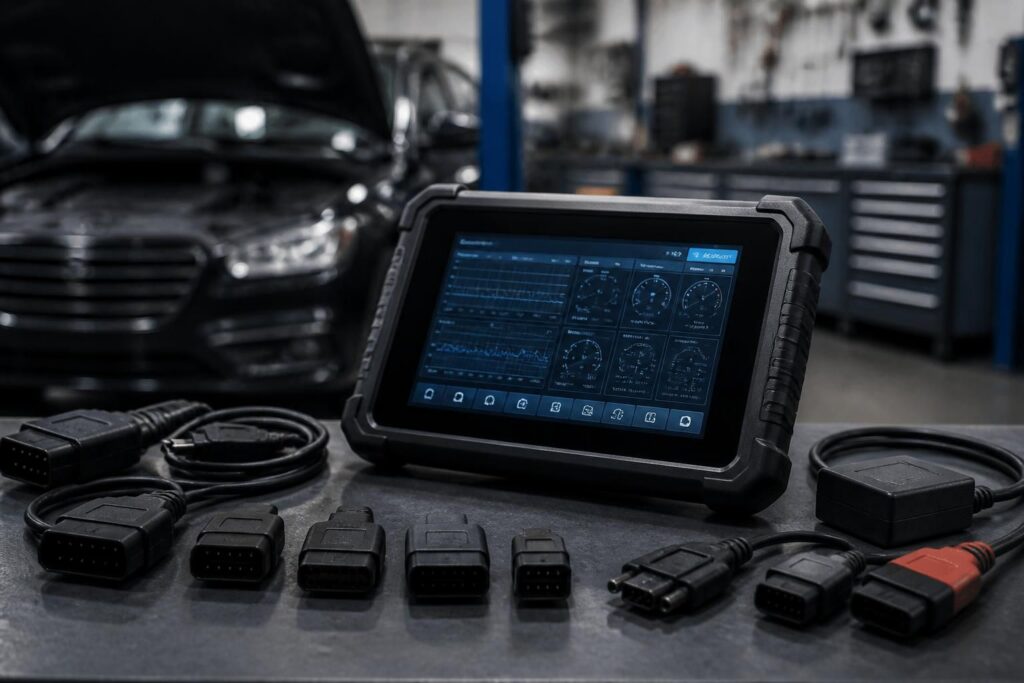
In the world of automotive repair and maintenance, choosing the best multibrand car diagnostic tool 2020 is essential for professionals and passionate amateurs alike. These diagnostic devices play a critical role in identifying vehicle faults precisely and in real time, saving hours of guesswork and costly repairs. To make an informed choice, it is crucial to examine several criteria that determine the tool’s effectiveness, versatility, and longevity.
The first and most important factor to consider is the coverage of car brands and communication protocols. A reliable diagnostic scanner must support at least 40 different automotive brands and include compatibility with protocols such as CAN, KWP, ISO, EOBD, and OBD2. This ensures functionality across a broad range of vehicles, whether gasoline, diesel, or hybrid. For example, a tool that only works with one brand or limited protocols risks obsolescence or unusability in a mixed fleet scenario.
Next, the breadth of diagnostic functions defines how deeply you can investigate vehicle health. Essential functionalities include fault code reading and erasing, live data streaming (like engine RPM, sensor outputs, and fuel trims), actuators and system tests, as well as coding and calibrations. Advanced users might also want capabilities such as ECU coding, resetting oil life, battery management system (BMS) adaptations, and service interval resets. For instance, a typical professional-grade multibrand scanner can activate individual actuators for troubleshooting, such as cycling the fuel pump or testing a cooling fan in isolation.
Another pivotal point is software updates and firmware maintenance. Diagnostic tools are only as good as their database of vehicle modules and fault codes. Buyers should prioritize products offering at least 2 to 3 years of free or included software updates, ensuring continued support for new models and emerging protocols. Tools with regular updates also maintain accuracy and reduce false diagnostics, preventing unnecessary parts replacements.
Ergonomics and user interface also greatly impact the daily workshop experience. A device with a clear, bright screen of 5 inches or more, easy navigation, and menus available in French and other languages helps mechanics save time and avoid user errors. Portability and design also matter: a lightweight, compact diagnostic scanner benefits those performing mobile interventions or working in tight spaces.
Lastly, professional-grade scanners should feature robust support and after-sales service. Access to a French-speaking technical support team, easy availability of replacement parts, and reliable bug fixes are indispensable to prevent diagnostic interruptions during critical tasks in a garage setting.
| Criterion | Recommended Threshold | Benefit |
|---|---|---|
| Brand/Protocol Coverage | 40+ brands, CAN/KWP/ISO, EOBD/OBD2 | Ensures versatility across vehicles |
| Functions | Full diagnostics, live data, actuators, coding | In-depth troubleshooting and maintenance |
| Software Updates | 2-3 years included + regular updates | Long-term tool relevance and accuracy |
| Ergonomics | ≥5” screen, clear menus in French/easy UI | Improved workshop workflow and usability |
| Support/SAV | French-speaking, hardware availability | Minimized downtime, quick fixes |
| Price Range | €150–600 amateur; €700–2000 professional | Adapts to budget and usage scope |
Strong contenders such as the iCarsoft CR Ultra and CR Unicorn models meet these criteria, delivering exhaustive diagnostic capabilities, excellent interface design, and continuous updates. These tools cater well to workshops looking to invest in long-term reliability without overcomplicated software.
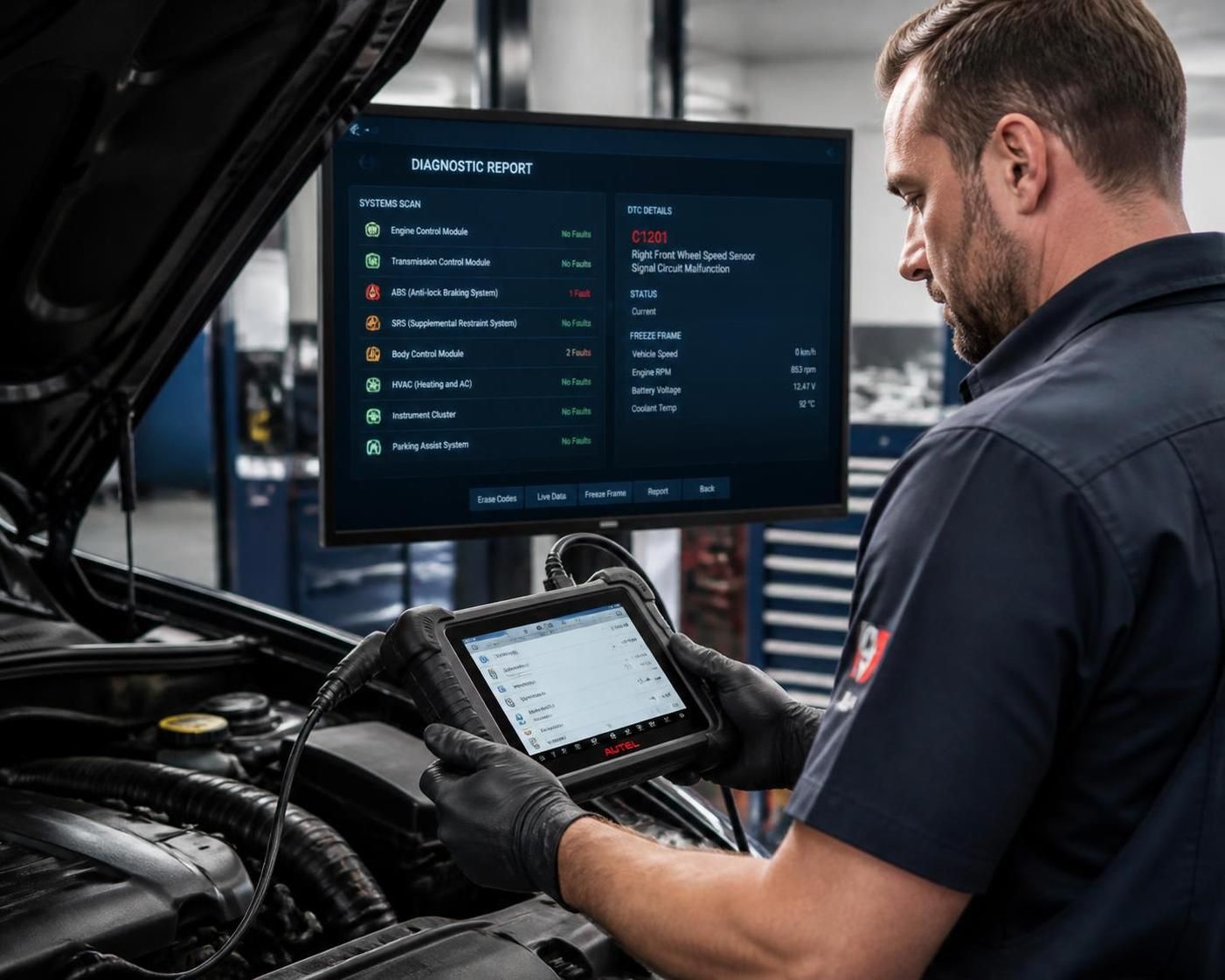
Professional-grade automotive diagnostic devices distinguish themselves by offering comprehensive systems diagnostics beyond basic OBD2 error codes. This is particularly valuable in today’s diverse automotive market where vehicles from different manufacturers coexist within the same garage or mobile operation.
The iCarsoft CR Ultra, a benchmark for the year 2020, exemplifies the balance of advanced features and user-friendly design. It supports full system readings including engine, ABS, airbags, transmission, DPF, SAS, BMS, and more. With real-time data streaming and actuator testing, this tool enables technicians to pinpoint faults fast and conduct maintenance operations directly, such as EPB (Electronic Parking Brake) resets or diesel particulate filter regeneration.
For mobile mechanics or smaller workshops with less space, the CR Unicorn offers a compact form factor without compromising brand compatibility or feature set. Its Android-based interface with touchscreen enhances navigation speed, while full OBD2 protocol compliance ensures it works on most European, Asian, and American cars marketed since the early 2000s.
To highlight specific advantages, consider a local specialist faced with a fleet of mixed brand vehicles needing quick turnaround. Using a high-end multibrand diagnostic tool allows immediate detection and clearance of fault codes without swapping devices or returning multiple times for new scans. Accuracy and speed lead directly to customer satisfaction and increased shop productivity.
The appeal of professional diagnostic scanners also lies in their capability to evolve. Tools that receive frequent firmware releases introduce new covered vehicles and expand functional depth. This dynamic approach ensures garages do not have to replace hardware as often when new car models arrive or when complex ECU software updates occur.
In terms of pricing strategy, professional scanners range typically from €700 to over €2000 depending on brand and feature set. This might seem steep for casual users, but the return on investment is justified by the volume of saved labor hours, fewer misdiagnosed repairs, and enhanced diagnostic confidence.
Among competing brands, Autel, Launch, and Topdon also offer strong diagnostic platforms, though iCarsoft’s CR series enjoys consistent praise for an optimal ratio of usability, cost, and performance without overwhelming the user. Moreover, the local availability of customer support and accessories plays an influential role in choosing the right solution.
A practical diagnostic tool is more than a code reader. The best OBD2 scanner 2020 provides a rich set of functions tailored to modern vehicle electronics, helping mechanics diagnose, repair, and maintain effectively. Here are the key features expected from a multibrand automotive diagnostic scanner suitable for professional environments:
To facilitate usability, many devices adopt Android-based platforms, including touchscreen displays of 8 to 10 inches to allow easy access to menus, diagnostic reports, and vehicle data graphing. This combination of intuitive software and a robust hardware platform significantly reduces diagnostic time and error.
Furthermore, good software integration enables exporting diagnostic reports in PDF or CSV format. This is essential for maintaining professional workshop records and providing clear service documentation to customers, enhancing trust.
When selecting a diagnostic tool, verify that the menu and reports are well-translated and easy to understand, especially if French language support is needed. This ensures rapid adaptation in French-speaking garages.
| Function | Purpose | Benefit |
|---|---|---|
| Live Data Display | Shows real-time sensor outputs | Diagnoses irregularities and intermittent issues faster |
| Actuator Tests | Activate components for testing | Confirms component operation and fault localization |
| Fault Code Read/Clear | Reads and erases multiple system fault codes | Keeps dashboard warnings relevant and up to date |
| ECU Coding | Program parts and recalibrate modules | Allows adaptation to new or replaced components |
| Service Resets | Reset maintenance indicators | Ensures proper maintenance tracking and compliance |
Choosing a scanner that excels in these functions can transform workshop workflow, reduce unproductive downtime, and protect vehicle longevity.
Acquiring the best diagnostic scanner guide 2020 involves evaluating trusted sources, delivery options, and customer service before committing to a purchase. Due to the technical nature of these devices, the selection process includes several practical considerations.
First and foremost, purchase from official channels or reputable sellers known for professional automotive equipment. This ensures authenticity, valid warranties, and access to software updates. For instance, verified resellers often package diagnostic tools with complete accessory kits and clear instructions to facilitate immediate use. Reputable sellers also provide detailed product information to compare features correctly before buying.
Pay attention to the included update policy. Diagnostic technology evolves rapidly; having 2 to 3 years of free updates included secures the tool’s relevance and compatibility with the newest vehicle models. Slow, irregular, or costly updates can significantly reduce the value of the scanner.
Shipping speed is another important point, especially for workshops that depend on quick turnarounds. Reliable dispatch and clear tracking mean the tool arrives on time, remains valuable, and supports uninterrupted diagnostic work.
To illustrate, a mechanic ordering an iCarsoft CR Ultra from a trusted supplier will receive their device with a documented history of firmware updates available and access to a dedicated customer support team. In contrast, purchasing from less-known sources or discount sellers often risks ended support or counterfeit products with buggy software.
Comparisons between diagnostic scanners such as those on a detailed multibrand car diagnostic comparison page or specialist automotive diagnostic guides aid buying decisions by reviewing real-world use cases, price-performance ratios, and user feedback.
Understanding how to operate a multibrand diagnostic tool effectively is critical to maximizing its benefits. Following structured steps prevents errors and accelerates repair processes.
Start by connecting the scanner’s OBD diagnostic cable to the vehicle’s OBD-II port, which is typically located under the dashboard. Turn the car ignition to ON position without starting the engine to allow communication between the vehicle’s ECU and the device.
Launching the diagnostic tool interface, select the vehicle make, model, and system (engine, ABS, airbag, transmission). These selections tailor the scan protocols to the specific electronic architecture of the car.
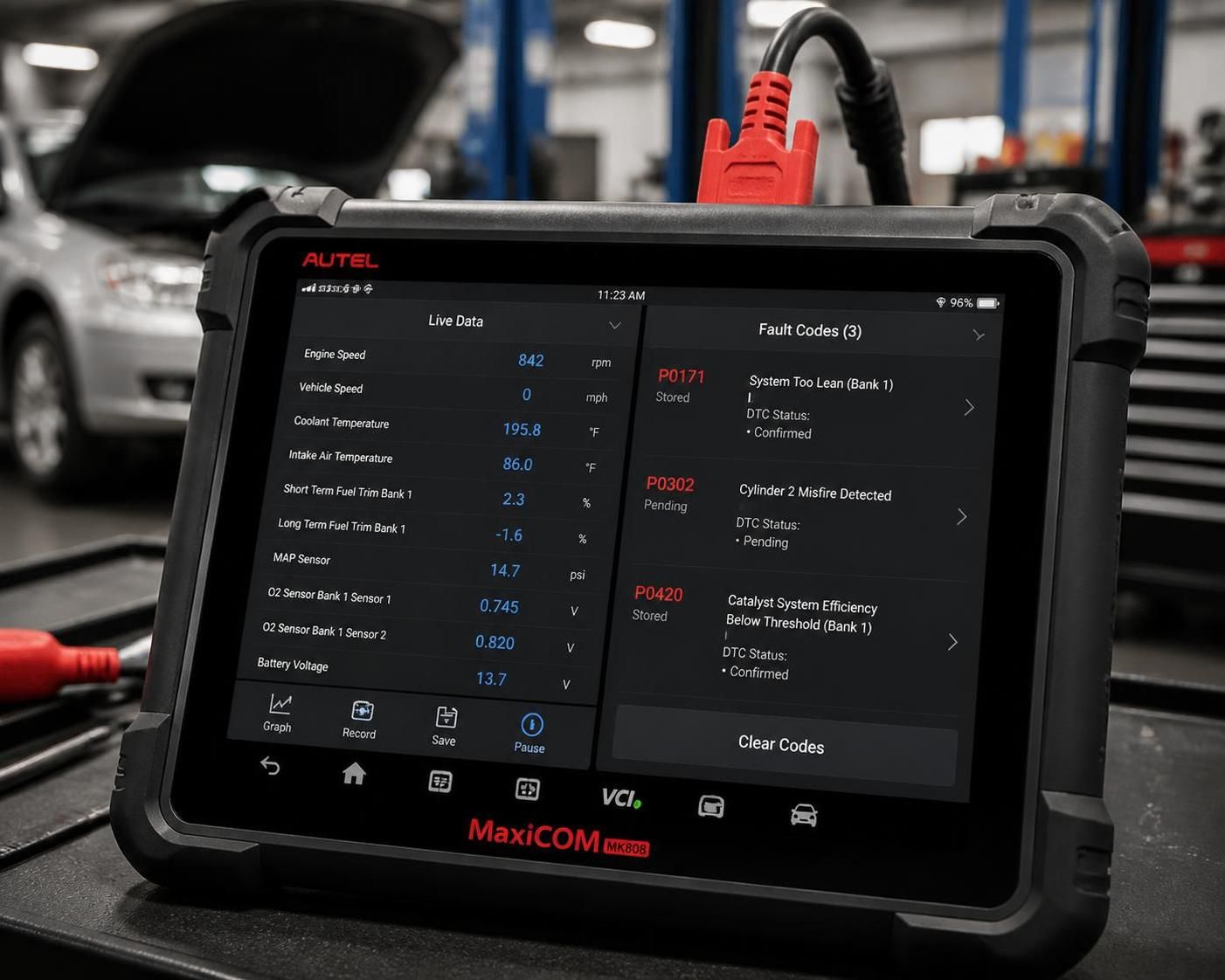
Initiate a comprehensive scan to read all active and stored diagnostic trouble codes (DTCs). These codes give precise indications of where malfunctions or irregular parameters exist — for example, a misfire code (P0300 series) or an ABS sensor fault.
Simultaneously, monitoring live data especially helps with intermittent problems that trigger fault codes sporadically, assisting in diagnosing faults such as intermittent turbo sensor failures or emission control inconsistencies.
Where supported, perform actuator tests to activate individual components. For instance, triggering a fuel injector or DPF regeneration test confirms functionality and can pinpoint faulty units. After repairs, clear fault codes using the erase function to reset dashboard warnings.
Complete any necessary service resets such as oil change reminders, EPB calibrations following brake service, or battery registrations after replacement. These functions keep the vehicle ECU synchronized with actual component status and service history, ensuring compliance with manufacturer recommendations and regulatory standards.
Practically, advanced scanners like the iCarsoft CR Ultra provide an intuitive Android-like interface and a tactile screen to swiftly navigate through tests and menu options. Keeping the device updated ensures the newest functions and models are included, crucial for evolving fleets or workshops servicing many makes.
Regularly verifying software and firmware integrity and following regional legality rules, especially for ECU coding or programming, protects your workshop from unintended errors or warranty violations.
Following these structured operational steps with a proven diagnostic tool enables faster turnaround, trust in diagnostic results, and better customer satisfaction.
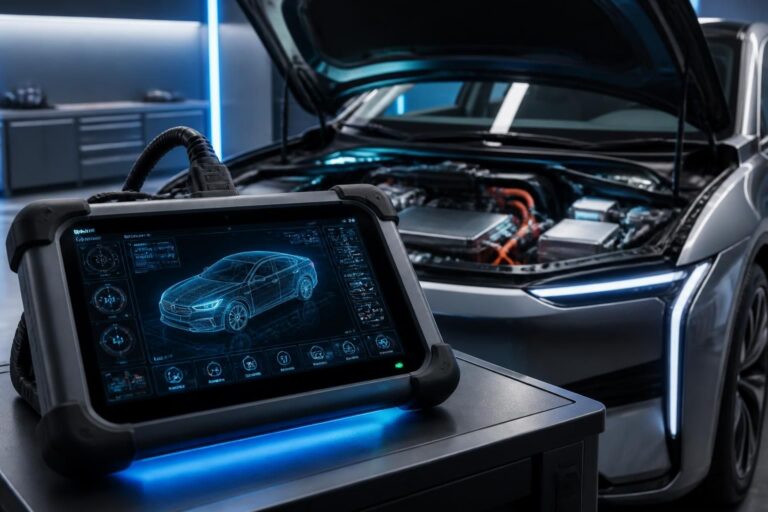
Understanding the Best Car Diagnosis Tools for 2026 As the complexity of automotive technology continues to evolve rapidly, choosing the best car…
Lire l’article →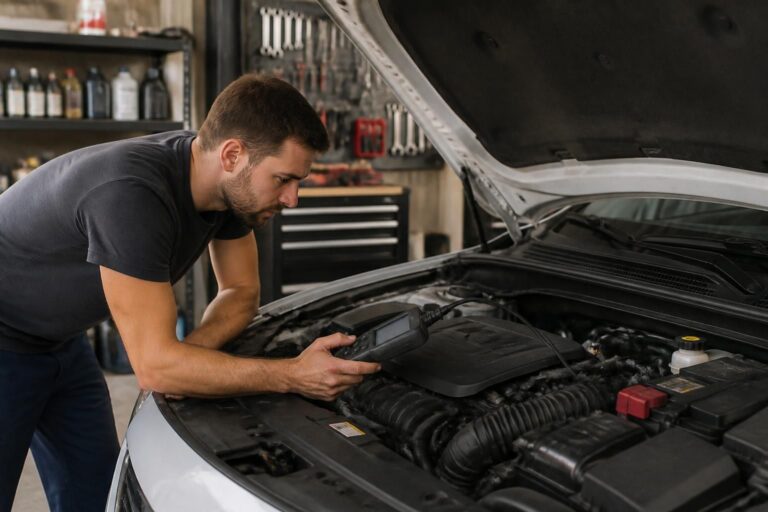
Essential Steps for Performing an Effective Auto Diagnostic Performing an accurate and thorough auto diagnostic is fundamental for maintaining vehicle health and…
Lire l’article →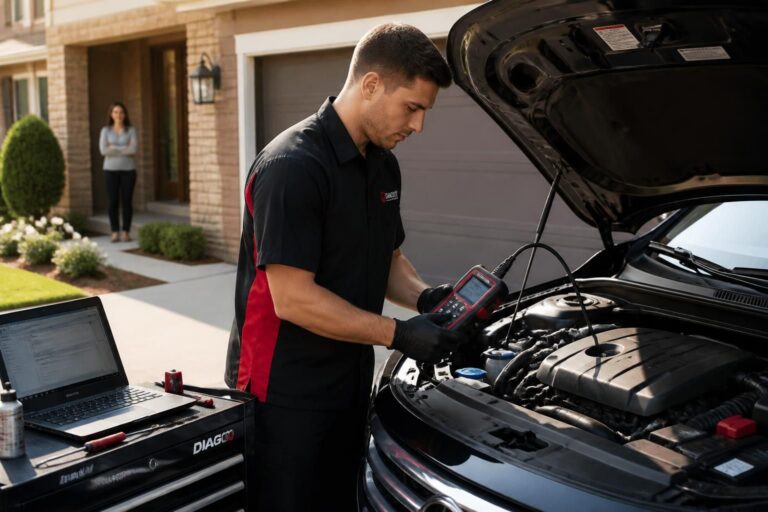
Benefits of Home Car Diagnostic Services for Modern Vehicle Owners Home car diagnostic services have become an essential component of vehicle maintenance…
Lire l’article →